Embed the tracker
The interactive readiness map can be dropped onto any third-party page through a single iframe. The embed surface lives at /embed, strips the site chrome (navbar, footer) and exposes a small set of URL parameters so the host page can control behaviour and visual style without forking the tracker.
Basic snippet
<iframe
  src="https://eudi-wallet-tracker.igrant.io/embed"
  width="100%" height="520" frameborder="0"
  loading="lazy" allowfullscreen
  referrerpolicy="no-referrer-when-downgrade"
  title="EUDI Wallet readiness across Europe">
</iframe>
For a layout that does not shift while the iframe loads, wrap it in an aspect-ratio container:
<div style="aspect-ratio: 16 / 10; max-width: 1100px; margin: 0 auto;">
  <iframe
    src="https://eudi-wallet-tracker.igrant.io/embed"
    width="100%" height="100%" style="border: 0; display: block;"
    loading="lazy" allowfullscreen
    referrerpolicy="no-referrer-when-downgrade"
    title="EUDI Wallet readiness across Europe">
  </iframe>
</div>
Query parameters
All parameters are optional. Unknown values fall back to the defaults.
| Parameter | Values | Effect |
|---|---|---|
country | ISO alpha-2 (e.g. SE) | Opens with that country pinned in the detail panel. |
pin | ISO alpha-2 | Same as country. The canonical name used by the in-app map. |
status | Production (EU Notified), Production (EU Notification Pending), Public Pilot, Closed Pilot / LSP, Planned for Production, No plans, Unknown | Pre-applies the status chip filter. |
legend | show (default), hide | Hides the coloured status chip row above the map. |
attribution | show (default), hide | Hides only the bottom "EUDI Wallet Status Tracker / View larger map" strip. |
chrome | full (default), minimal | Hides both the map toolbar AND the bottom attribution strip. |
host | default | Applies a named host design preset. |
preset | default | Alias of host. |
Common patterns
Open with a country pinned
https://eudi-wallet-tracker.igrant.io/embed?country=SE
Pre-filter to wallets in public pilot
https://eudi-wallet-tracker.igrant.io/embed?status=Public%20pilot%20live
Slim map-only mode for tight host sections, with both the legend and chrome stripped so the map fills the iframe:
https://eudi-wallet-tracker.igrant.io/embed?legend=hide&chrome=minimal
Host presets
Host presets let third-party pages match the embed to their own design system without forking the tracker.
host=default
The neutral preset shipped with the embed. Intentionally minimal so the widget reads as clean and brand-agnostic on any host page: Title Case heading, rounded pill outline buttons, standard surface. Acts as a no-op on the visual layer.
Live preview: /embed?host=default.
Adding a new preset
Open a pull request that:
- Adds the new preset name to
HOST_PRESETSinsrc/pages/embed.tsx. - Adds a matching
body.is-embed.theme--<name>CSS block insrc/css/custom.csscovering at minimum the surface colour, the heading and body fonts, the CTA button style and the link colour. - Updates the table above with a one-line description of the visual contract.
If the preset depends on a font that is not on Google Fonts, host the font file under static/fonts/ and declare it with @font-face so the iframe can load it without inheriting from the parent page.
Responsive layout
The embed reflows across three breakpoints so it stays usable from a 320 px mobile iframe up to a desktop sidebar.
| Iframe width | Chip row | Country detail panel |
|---|---|---|
>= 900 px | Single horizontal row | Floating overlay at the top-right of the map (does not push the map) |
640-899 px | Three chips per row in two compact rows | Bottom sheet covering the lower 50% of the iframe; map stays visible above |
< 640 px | Horizontal scroll strip with snap | Bottom sheet covering the lower 60% of the iframe; map stays visible above |
The toolbar buttons collapse to icon-only pills below 640 px and the map SVG scales proportionally via width: 100%; height: auto so it never clips at narrow widths. On touch devices, tapping a country shows the lightweight name + status tooltip first; a second tap on the same country opens the full detail panel.
To keep the embed shaped well across all of those breakpoints, give the iframe a taller aspect ratio on small viewports:
.tracker-embed { aspect-ratio: 16 / 10; }

@media (max-width: 768px) {
  .tracker-embed { aspect-ratio: 4 / 5; }
}
Use on Markdown surfaces (LinkedIn, GitHub, Medium)
Most Markdown environments strip <iframe> tags for security, so the live interactive embed will not render on a LinkedIn article, a Medium post, a GitHub README or a Substack issue. In those places, link to the canonical tracker (or a country page) and use the auto-generated Open Graph card as a static hero image.
The OG card lives at a predictable path for every page:
- Home:
https://eudi-wallet-tracker.igrant.io/img/og-default.png - Per country:
https://eudi-wallet-tracker.igrant.io/img/og/{ISO-alpha-2}.png
LinkedIn articles
LinkedIn does not render arbitrary iframes. Two patterns work:
-
Paste the URL on its own line. LinkedIn's editor auto-unfurls the link into a card with title, description and the OG image. No image upload required.
-
Attach the OG image manually and link to the tracker in the caption when you want explicit control over the visual:
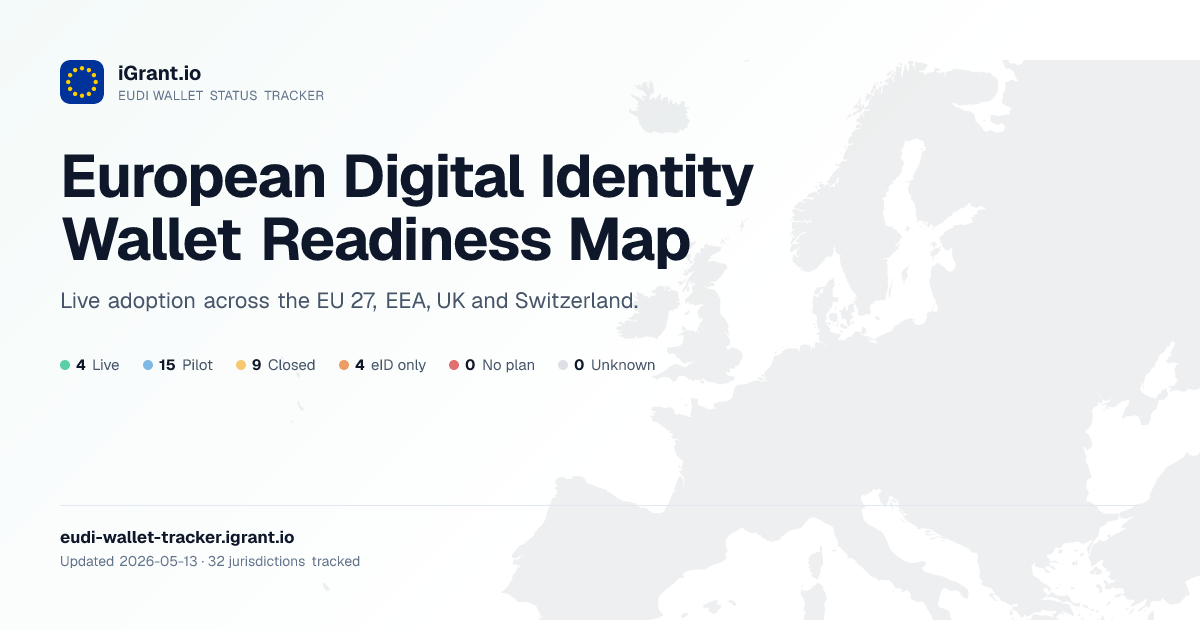See the live tracker: https://eudi-wallet-tracker.igrant.io/
GitHub README, issues, PRs and gists
GitHub's HTML sanitiser strips iframes. Use a clickable image:
[](https://eudi-wallet-tracker.igrant.io/)
For a single country:
[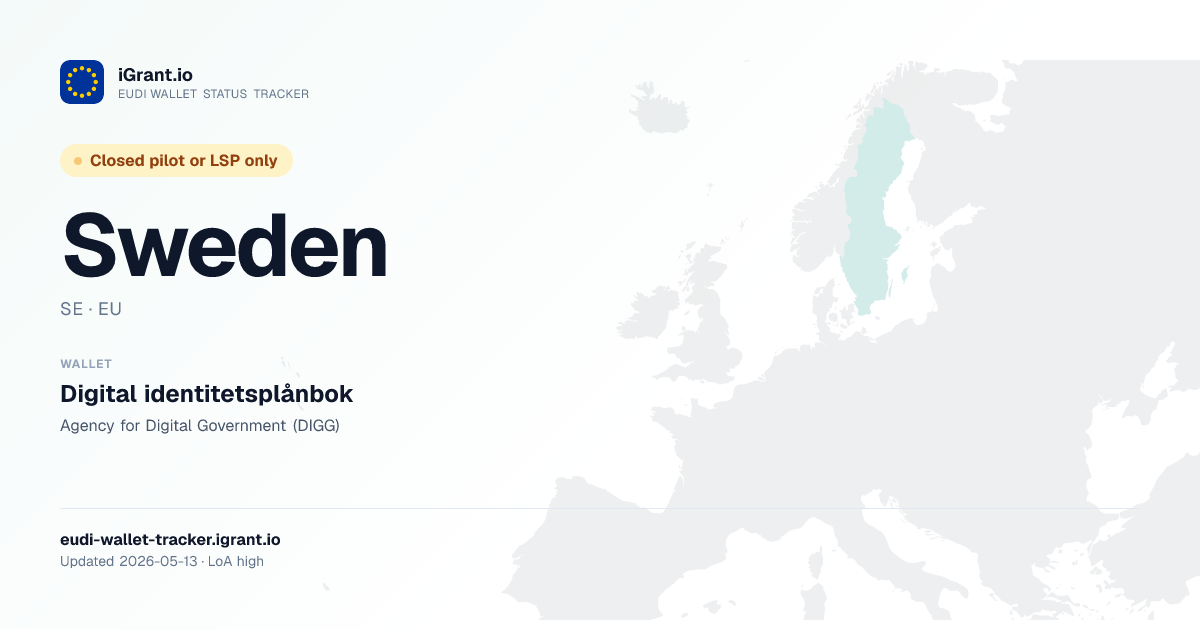](https://eudi-wallet-tracker.igrant.io/tracker/sweden/)
Medium, Substack, Hashnode, Dev.to
These platforms also strip iframes. The same image-plus-link pattern works:
[](https://eudi-wallet-tracker.igrant.io/)
What works where
| Surface | Live iframe | Image embed | Auto-unfurl on URL paste |
|---|---|---|---|
| LinkedIn articles | No | Yes | Yes |
| GitHub README, issues, PRs, gists | No | Yes | No |
| Medium | No | Yes | Yes |
| Substack | No | Yes | Yes |
| Notion | Sometimes (via /embed block) | Yes | Yes |
| Hashnode, Dev.to | No | Yes | Yes |
| MDX (Docusaurus, Astro, Next.js docs) | Yes | Yes | Not applicable |
| Hugo, Jekyll with raw HTML enabled | Yes | Yes | Not applicable |
| Obsidian, Bear, VSCode preview | Usually yes | Yes | Not applicable |
If a surface ever adds iframe support, the existing /embed URL works as-is. No tracker changes are required.
Attribution and licensing
The map data is published under CC BY 4.0. When you embed the tracker, the default chrome=full mode shows a small "EUDI Wallet Status Tracker / View larger map" attribution at the bottom of the iframe. If you set chrome=minimal you are asked to provide equivalent attribution on the host page itself, for example:
<p>
  Data source:
  <a href="https://eudi-wallet-tracker.igrant.io">EUDI Wallet Status Tracker by iGrant.io</a>
  (CC BY 4.0).
</p>
Tracking embed traffic
The tracker does not run cross-origin analytics on third-party pages. If you want to measure how often visitors click through from your embed, append a UTM parameter on the iframe URL and on any outbound link you place near it:
https://eudi-wallet-tracker.igrant.io/embed?host=default&utm_source=acme_home
Sessions that flow from the embed into the canonical tracker will then carry the source through the tracker's own analytics.